A single window into everything insurance — quoting, claiming, renewing, asking, resolving. MIC Assist meets you at every step from A to Z, so the app never feels like a form to get through, but a hand to hold.
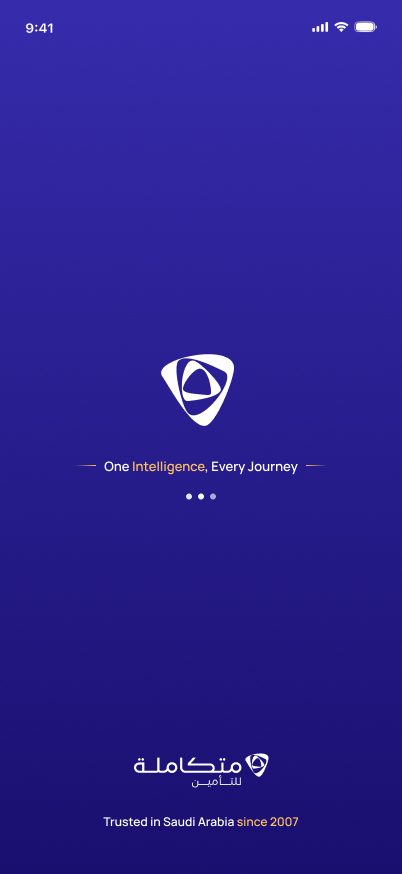
Before sign-in, before any choice, the brand introduces itself — centered, gradient, unmistakably Mutakamela. Eighteen years of trust appear quietly at the bottom before the person has done anything at all.
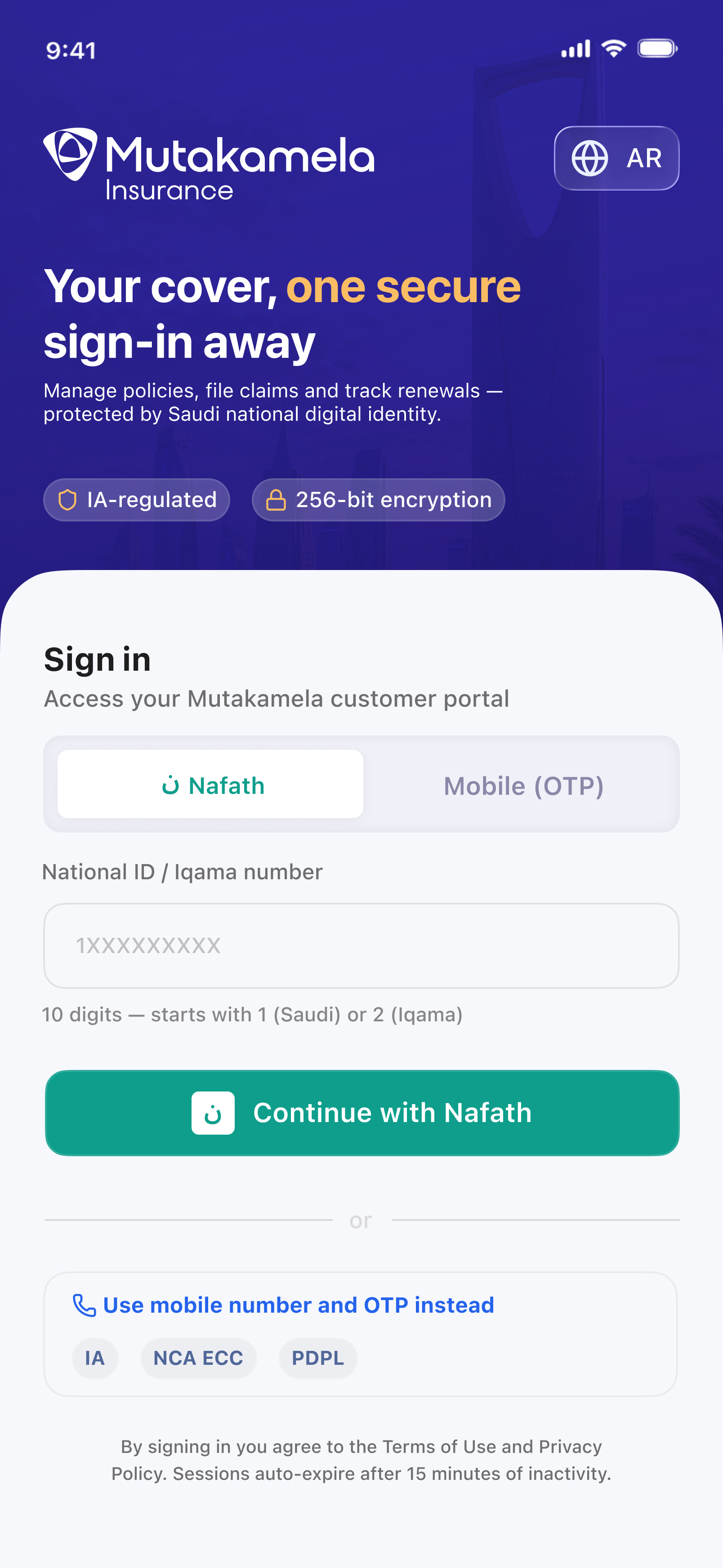
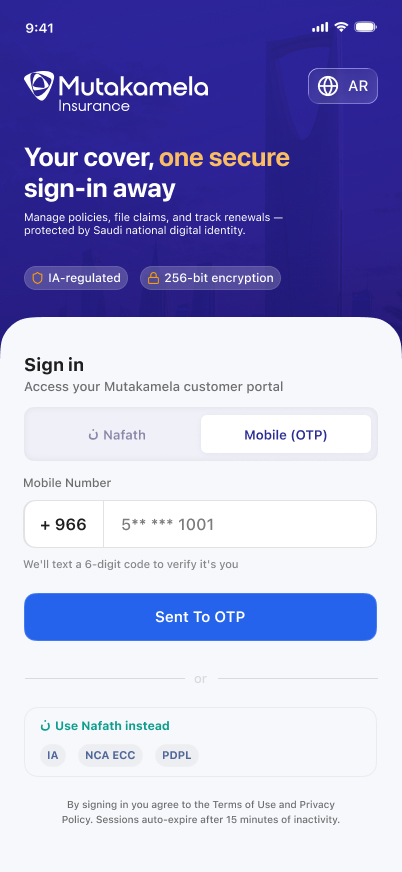
Nafath, Saudi Arabia's national digital identity, keeps its own recognized teal on its button, the same convention as any trusted government SSO. Mobile OTP stays fully MIC blue and gold. Either way, the same promise: IA-regulated, 256-bit encrypted, verified once.
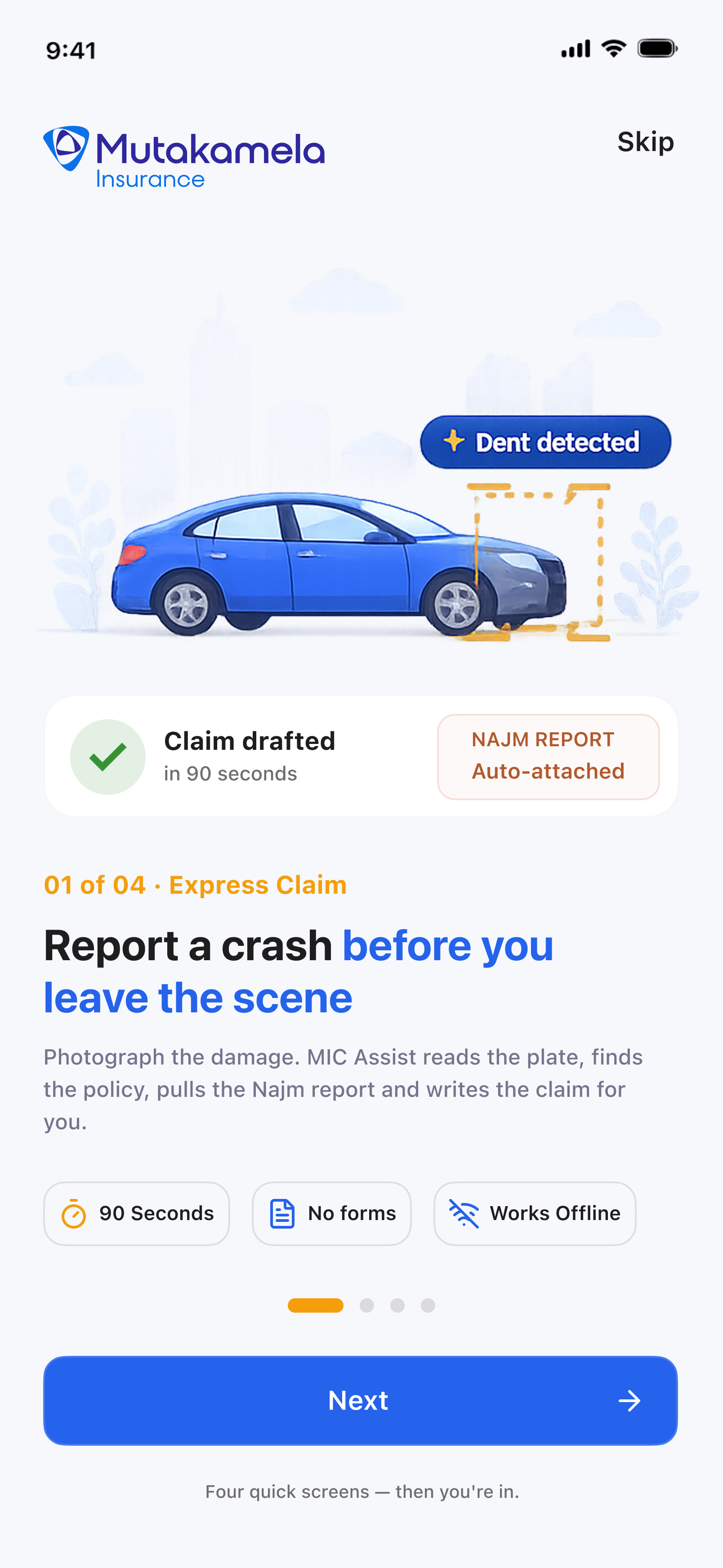
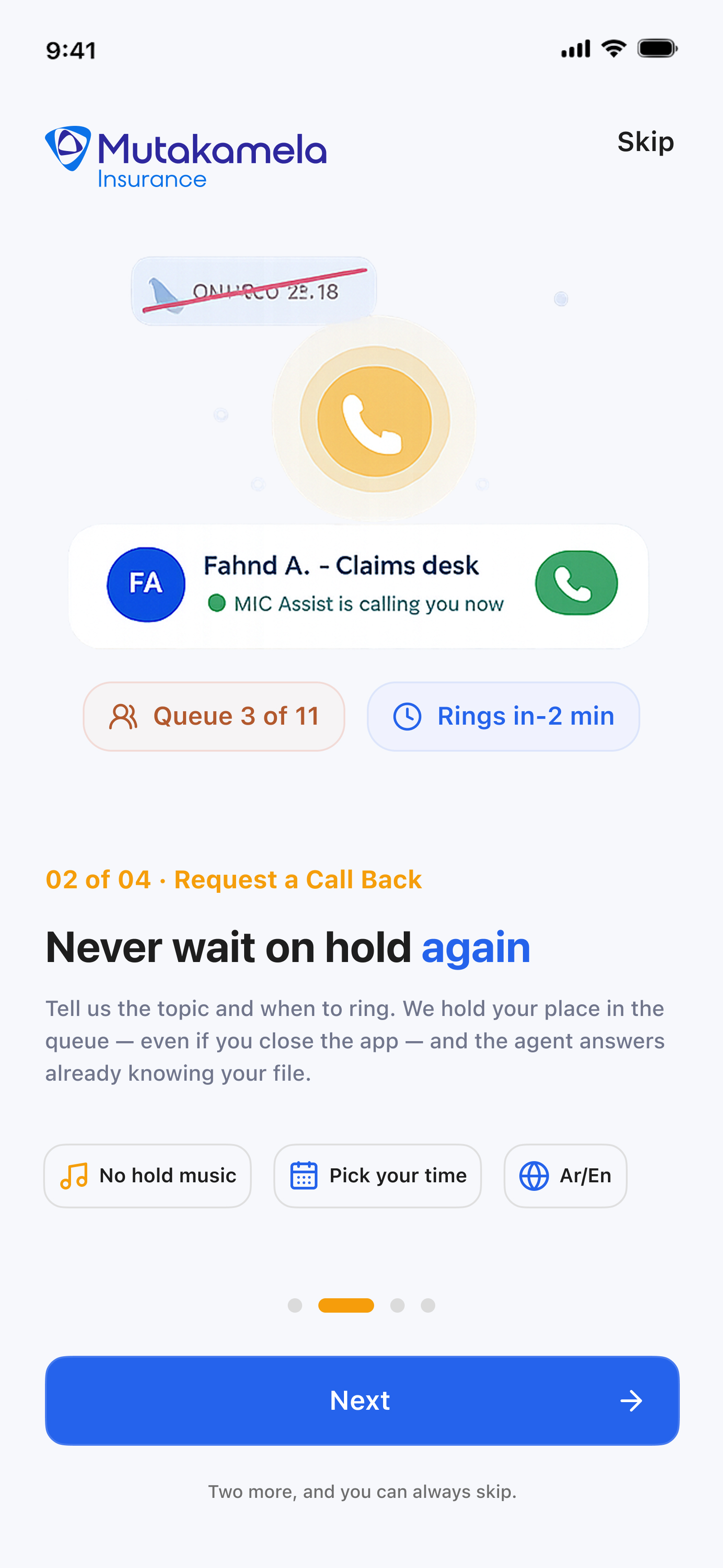
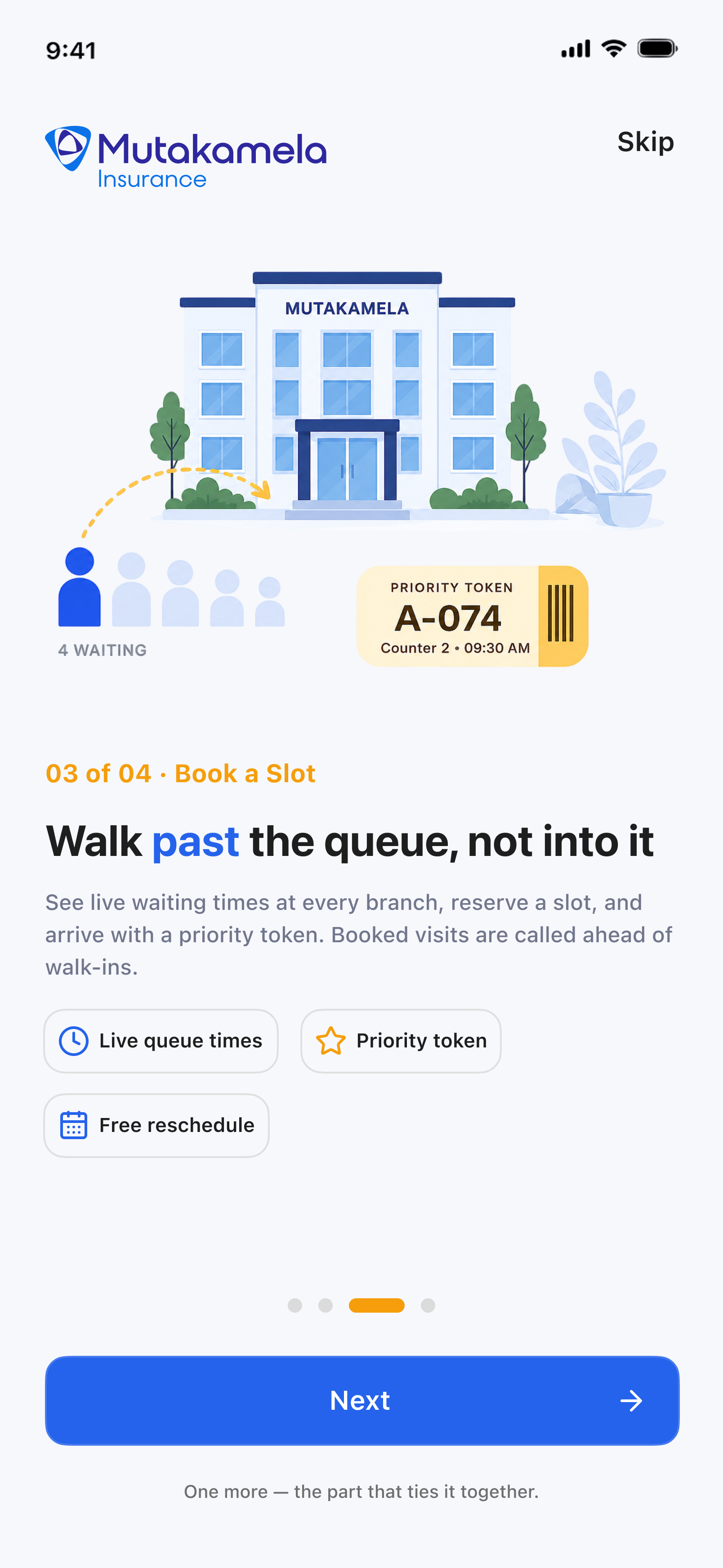
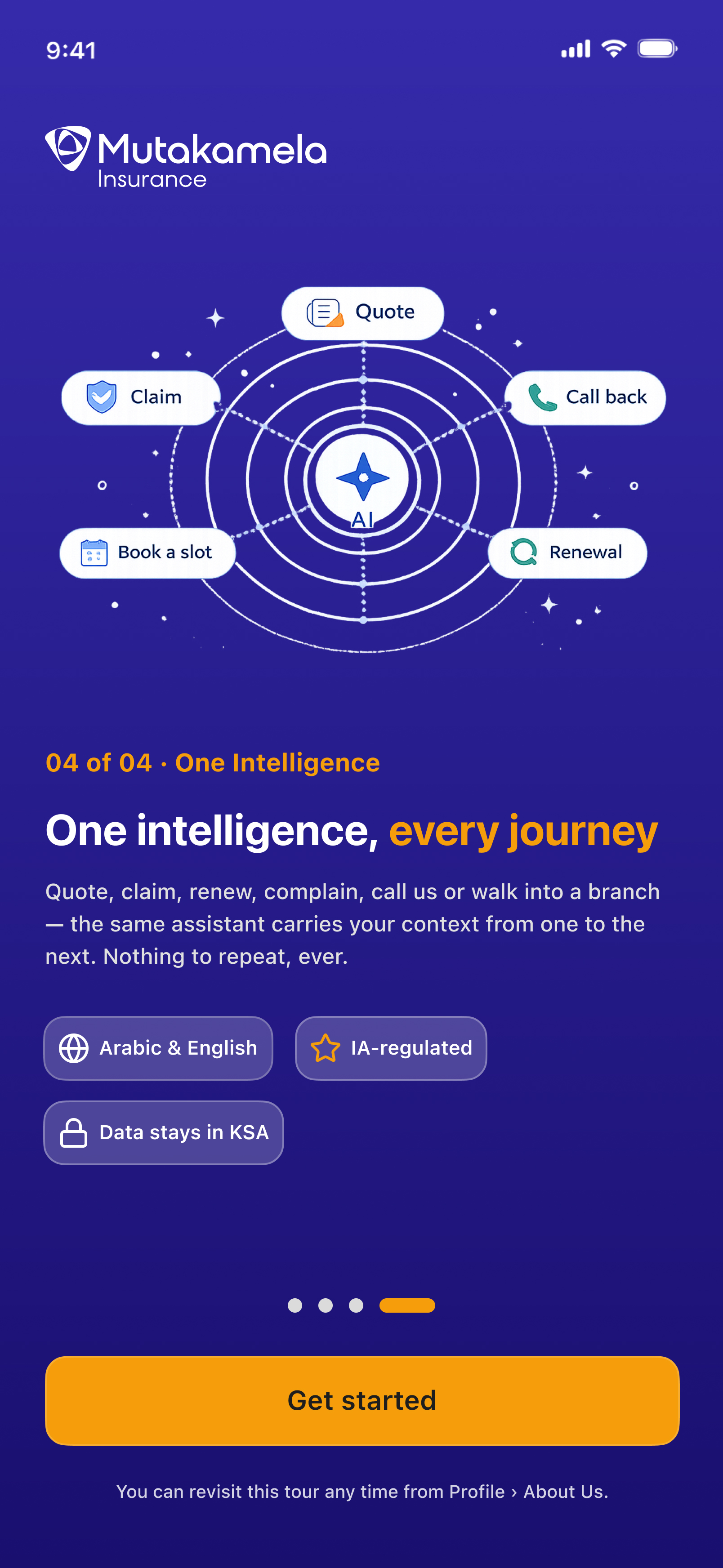
The launch screen stays out of the way — so the features get a proper introduction here instead. Express Claim, Request a Call Back, Book a Slot, and the intelligence that ties them together: one full screen each, skippable from the first tap, shown only on first sign-in and re-openable from Profile whenever someone wants the tour again.
The moment the app opens, MIC Assist already knows what matters today — a renewal coming due, a claim in motion, a question worth answering before you ask it. One home screen, quietly working ahead of you.
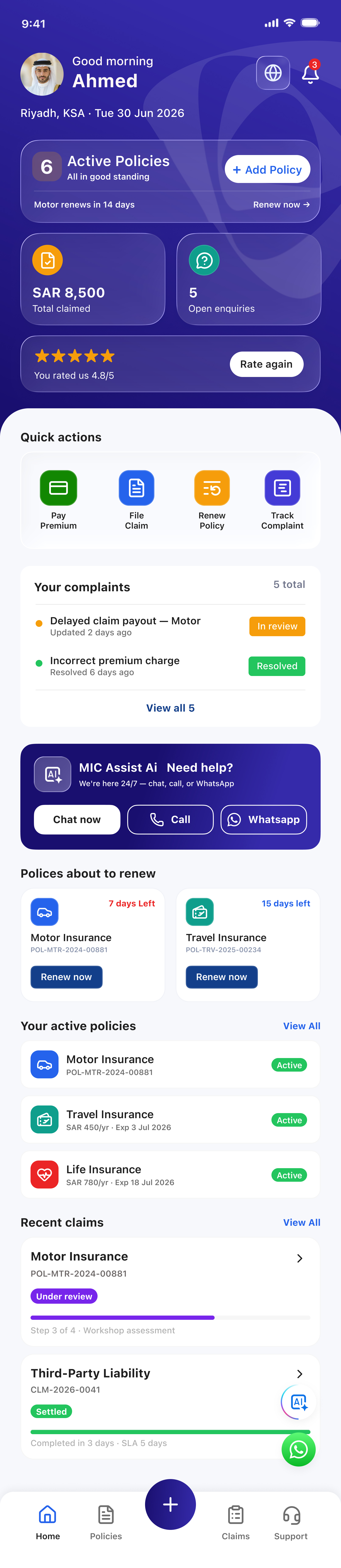
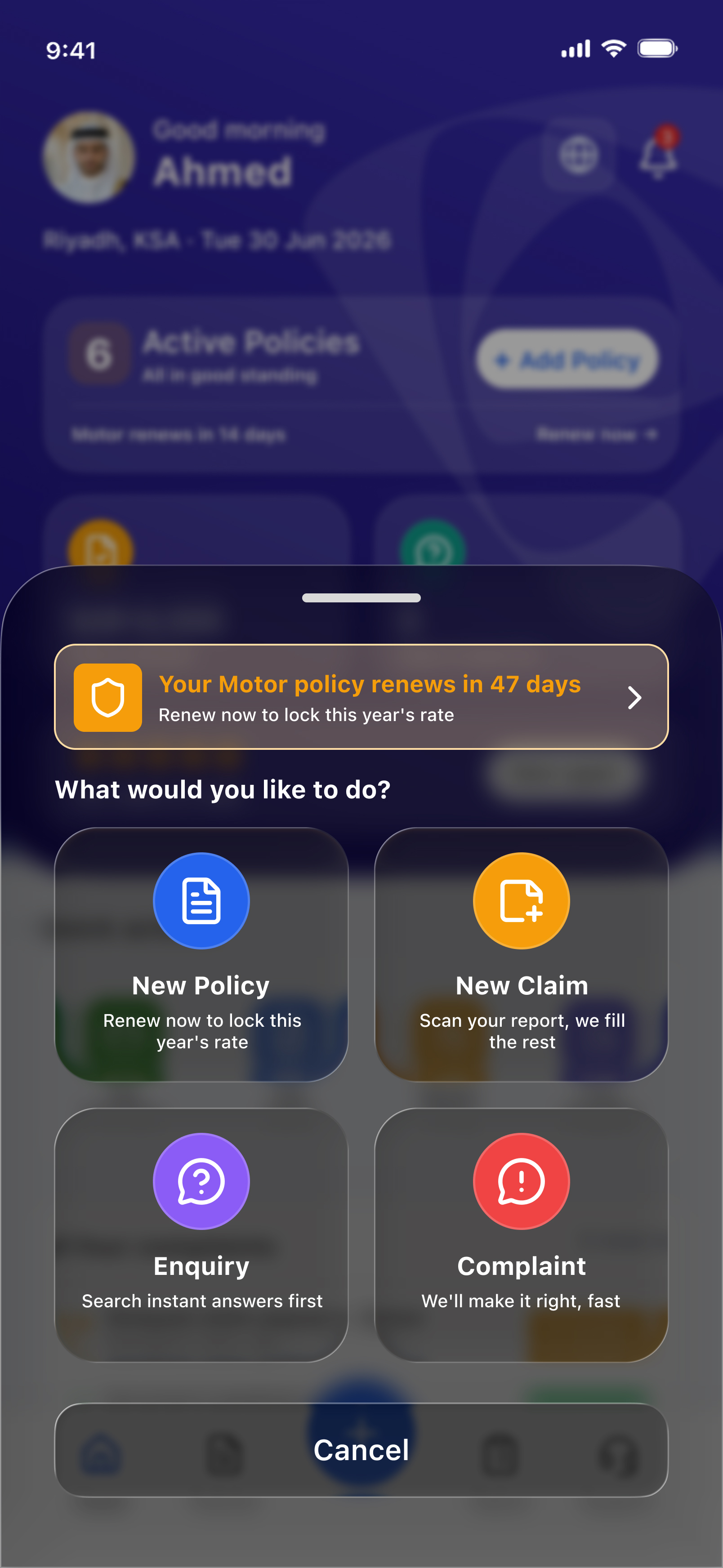
Policy, claim, enquiry, or complaint — MIC Assist keeps every action within reach, each one explained in plain language before you commit, and quietly prioritized around what's relevant to you right now.
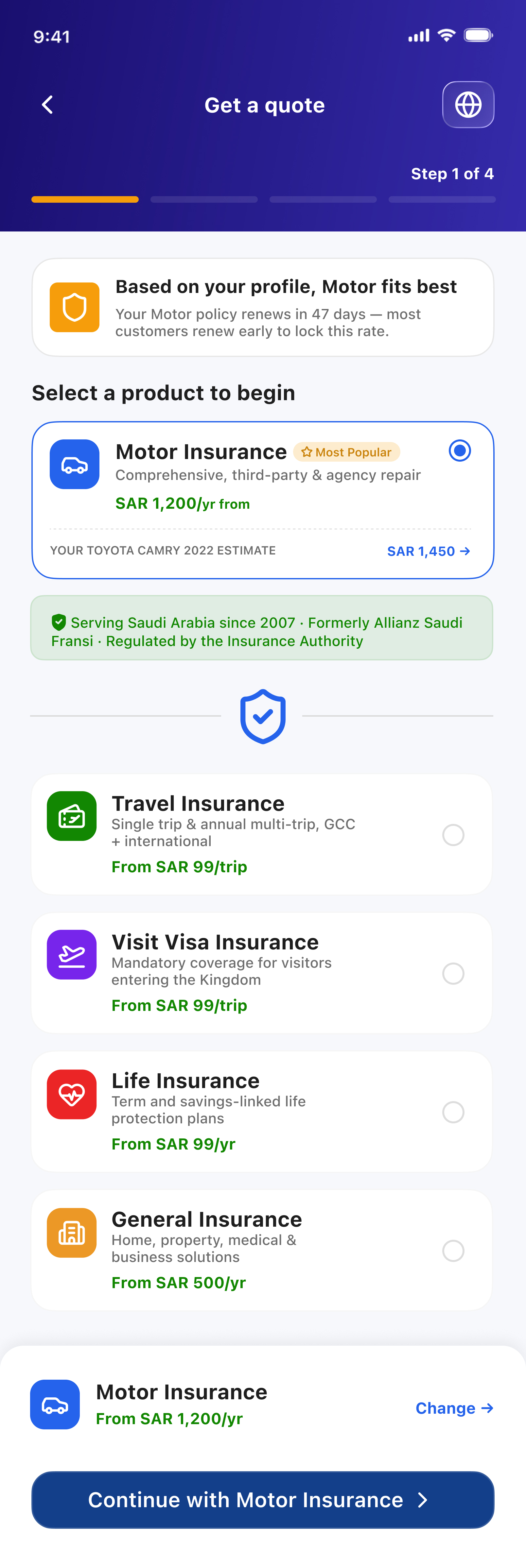
MIC Assist matches coverage to your profile and shows a real, personal estimate — not a generic starting price. Backed by 18 years in the Saudi market, every recommendation carries the weight of experience, not guesswork.
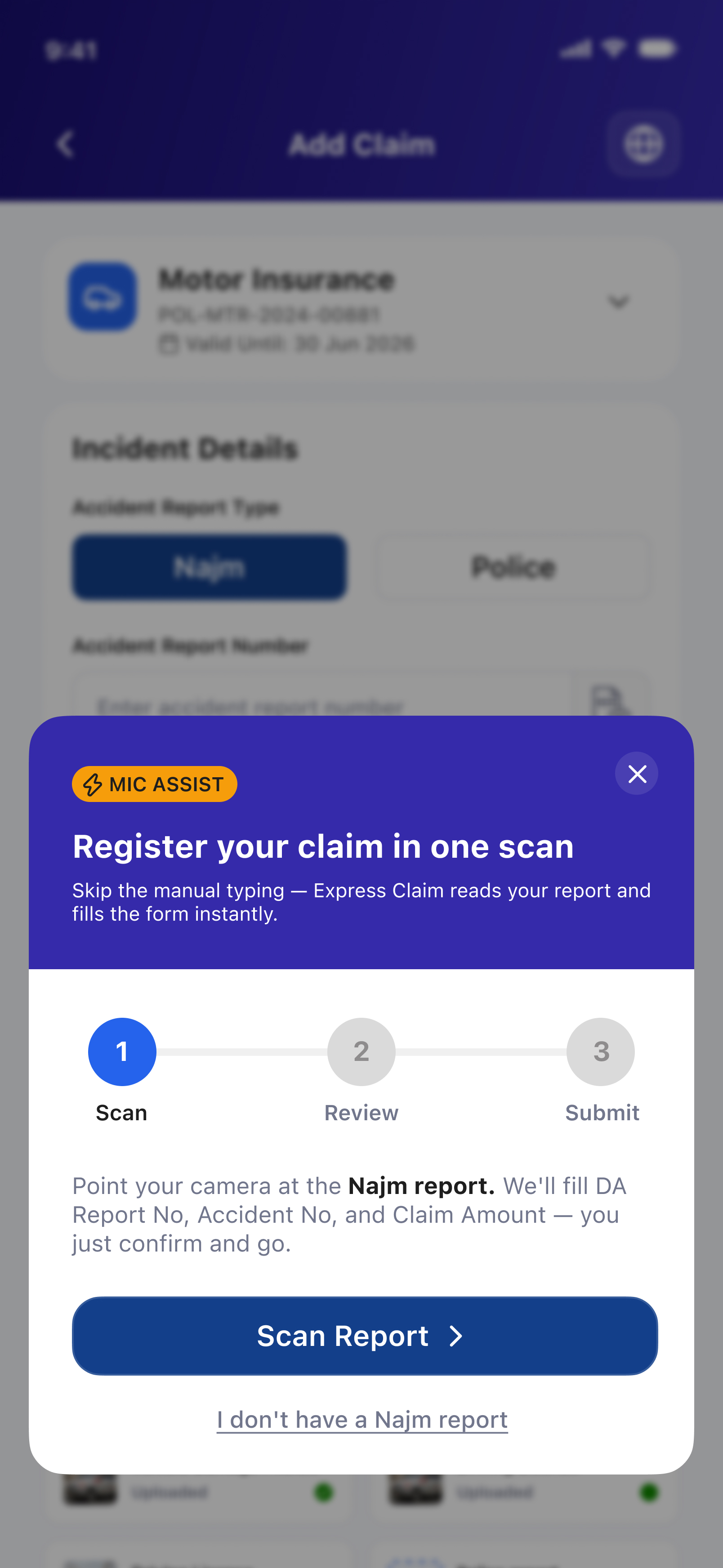
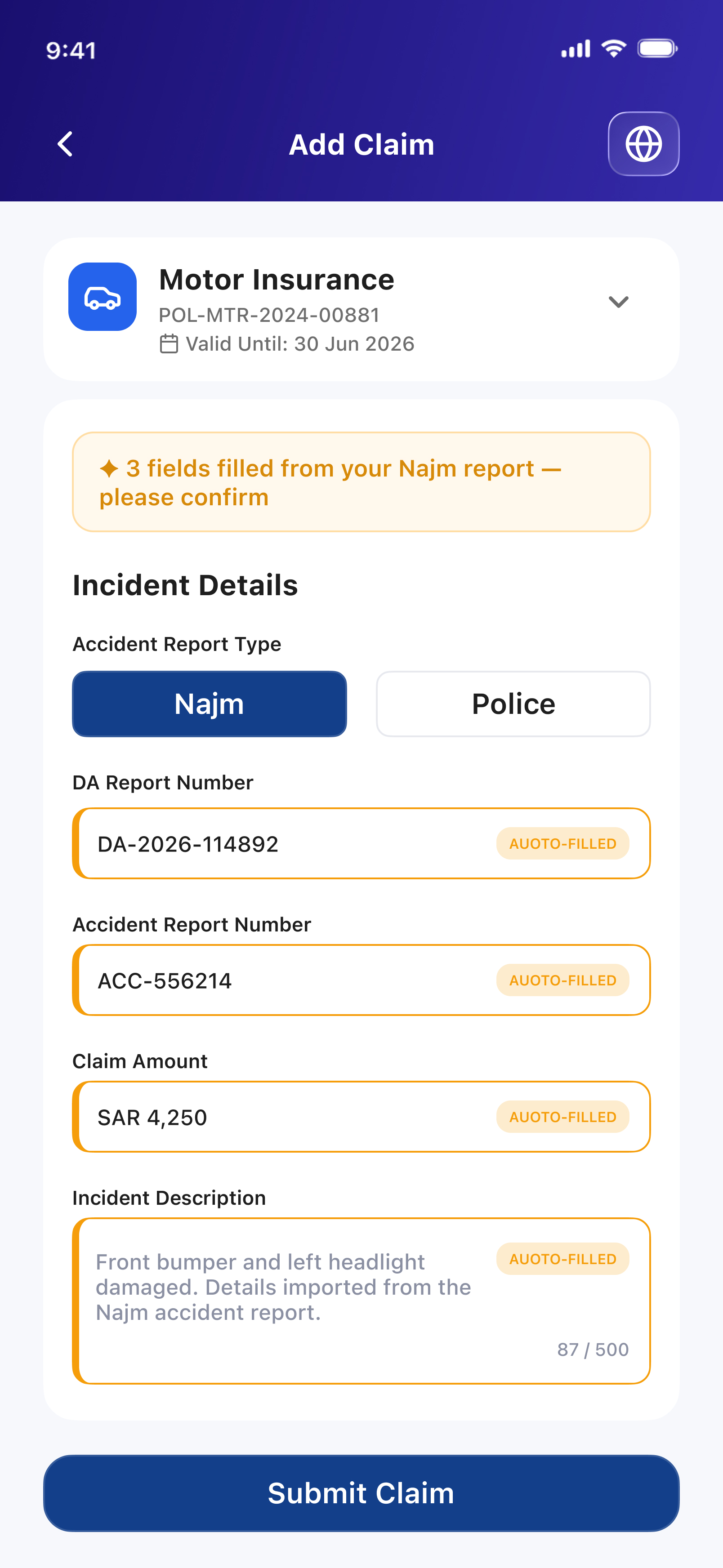
Point your camera at the report. MIC Assist reads it, fills the form, and hands it back to you to confirm — a claim that used to take fifteen minutes of typing now takes fifteen seconds of reviewing.
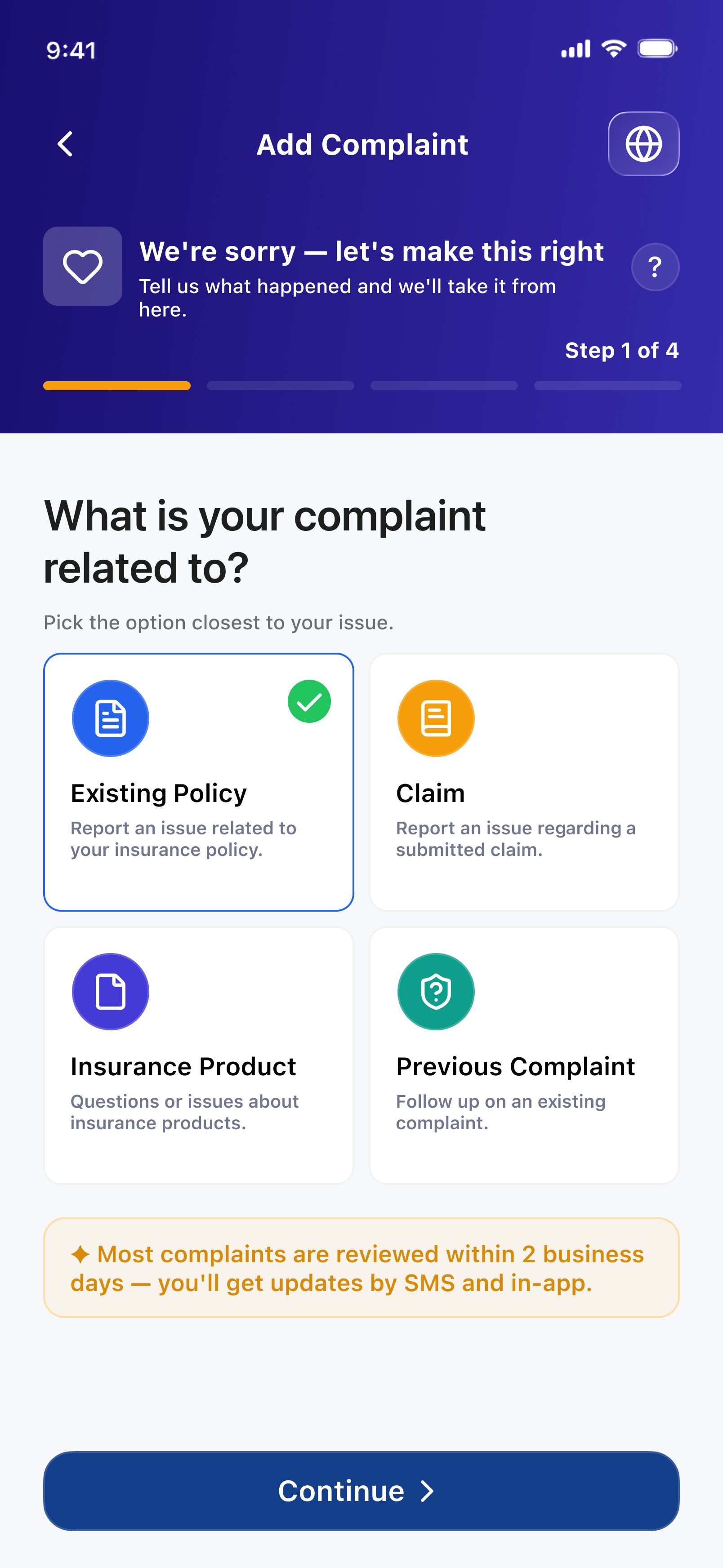
Before a single question is asked, MIC Assist acknowledges what you're going through. Clear timelines, honest updates, and a process built to make things right — not just log a ticket.
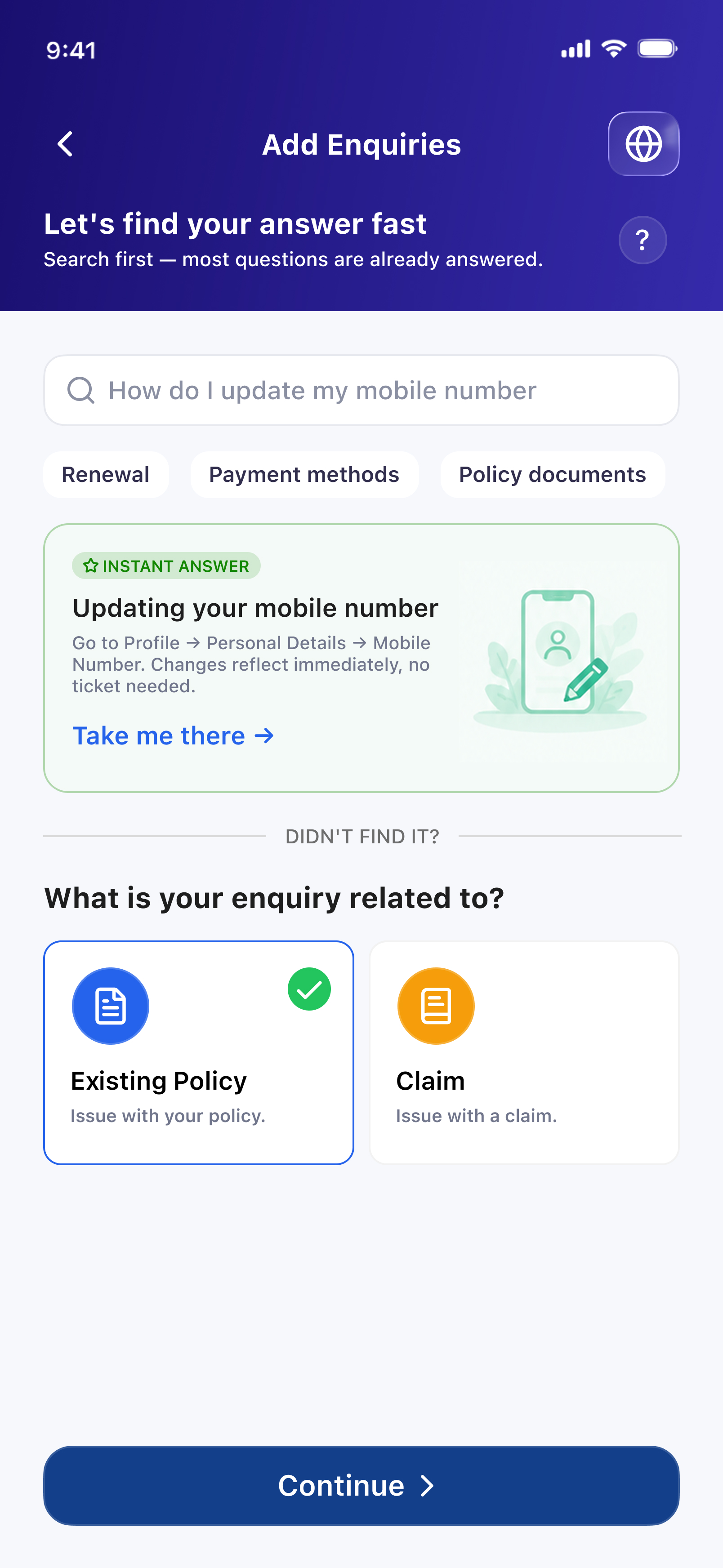
Most questions already have an answer. MIC Assist surfaces it instantly — no queue, no waiting on a reply — and only asks you to fill in details when a real conversation is truly needed.
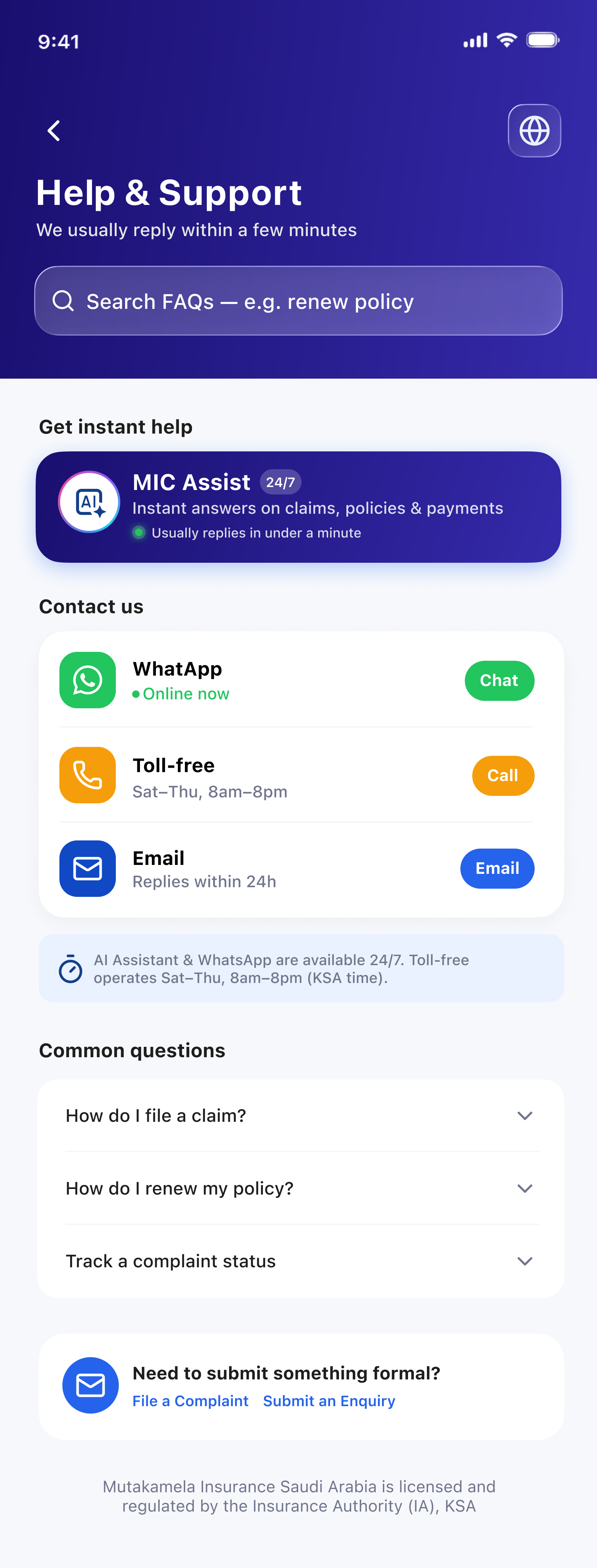
Chat, call, or WhatsApp — MIC Assist connects you to real help in seconds, day or night. The same intelligence that fills your claim form is the one answering your questions at 2am.
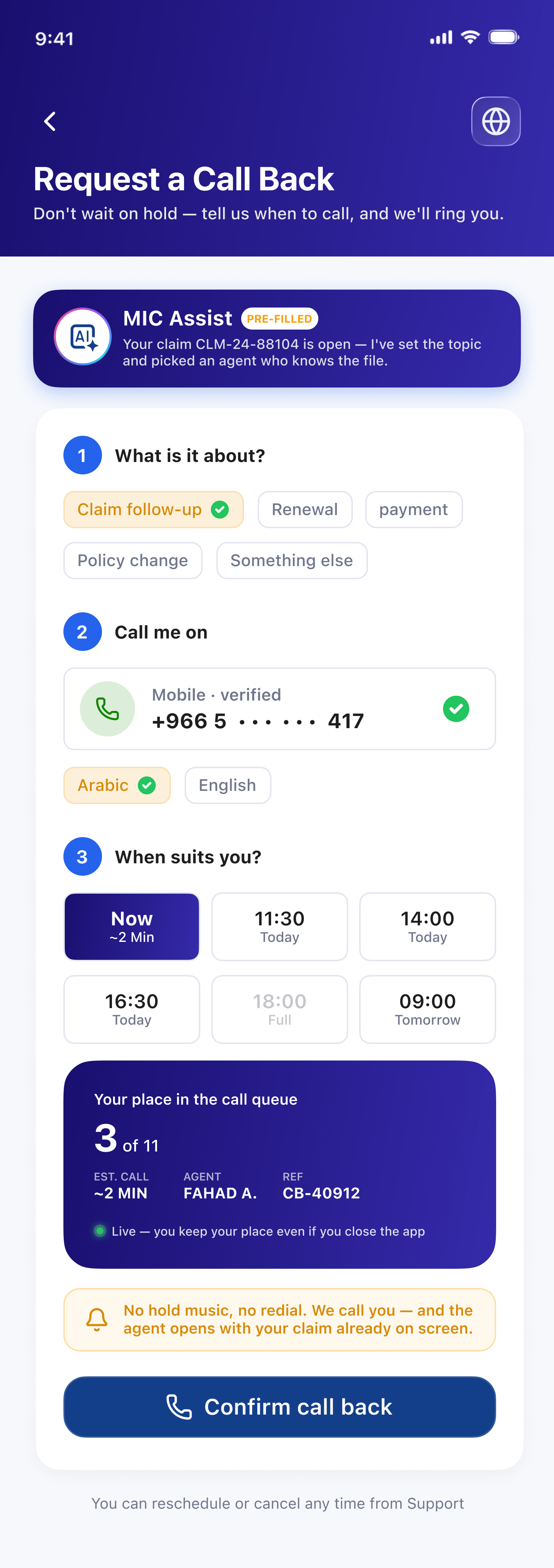
Nobody should pay for hold music with their afternoon. Pick a topic, pick a time, and MIC Assist queues the call for you — keeping your place even if you close the app. The agent who rings already has your claim, your policy and your history open, so the conversation starts at the point that matters.
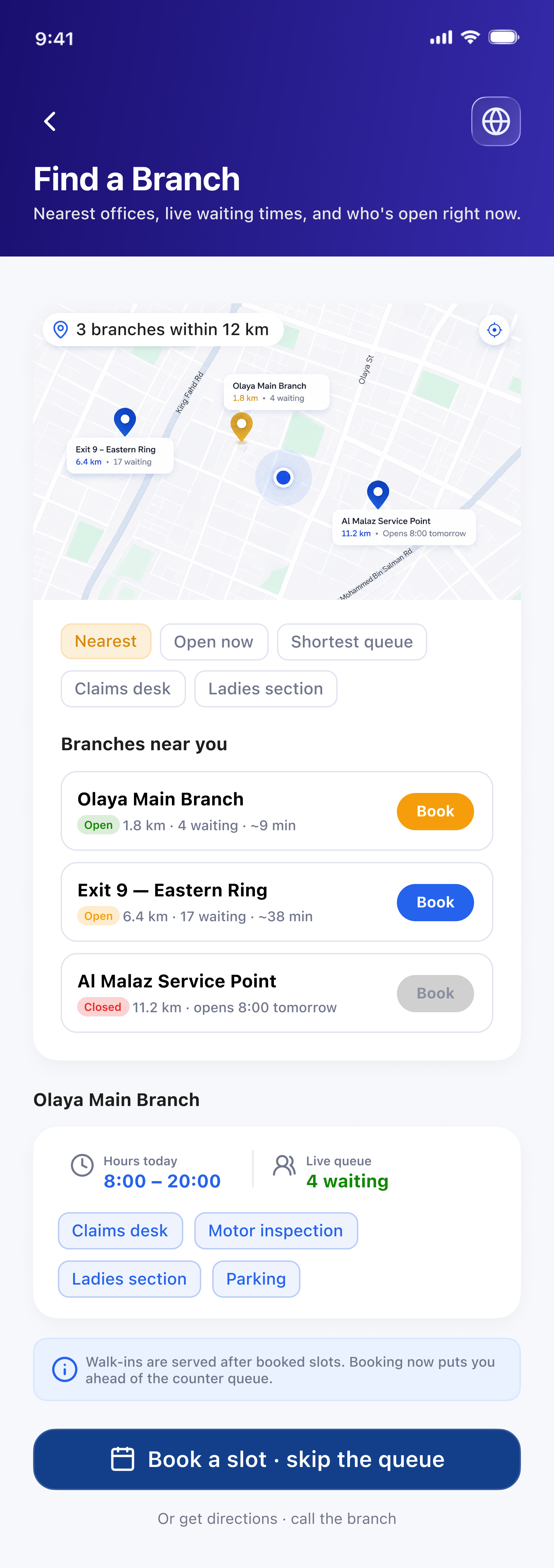
Distance is only half the question — the other half is how long you’ll stand there. Every branch shows live waiting numbers, opening hours and which desks are staffed today, so you can choose the office that will actually get you home fastest.
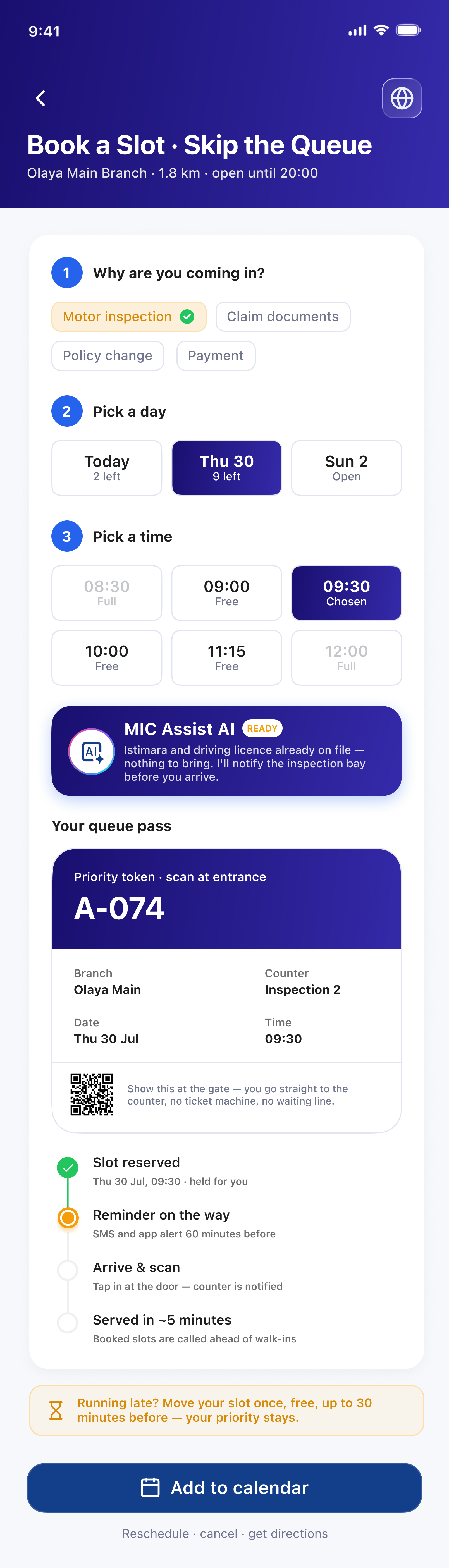
Choose a purpose, a day and a time, and MIC Assist issues a priority token with a scannable pass. Booked slots are called ahead of walk-ins, documents already on file are pre-checked, and the counter is notified the moment you tap in at the door.
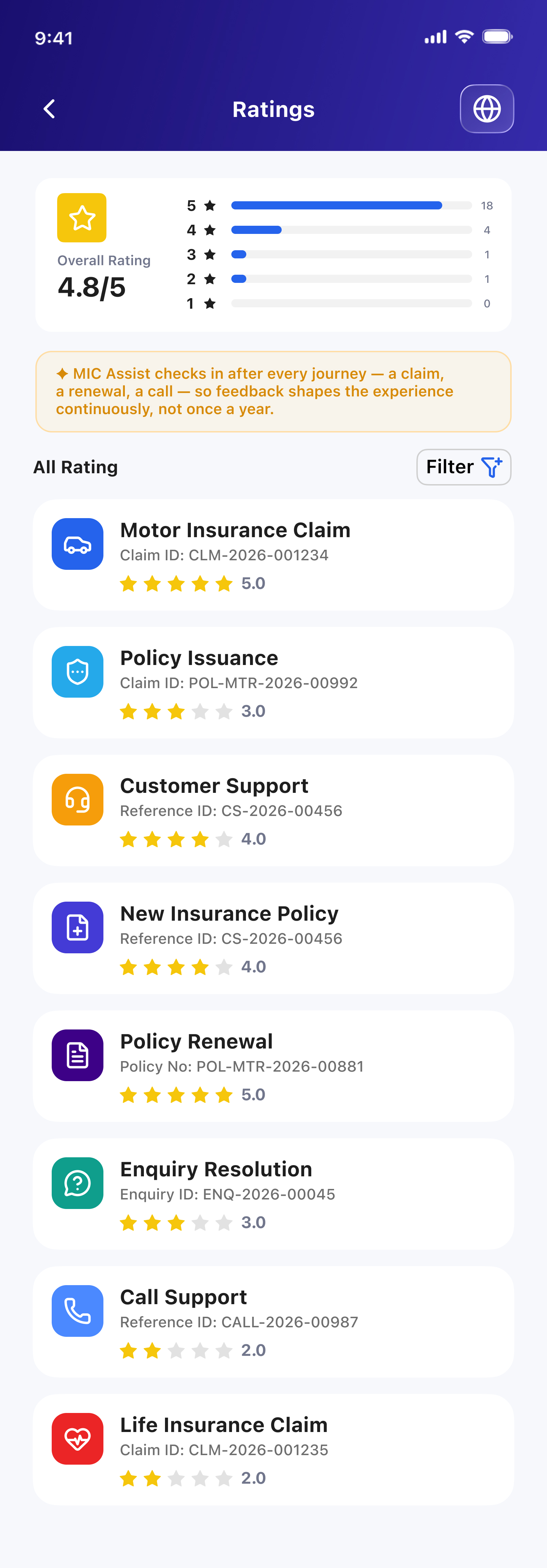
MIC Assist asks how it did after every claim, renewal, and conversation, not just once a year. That feedback is visible right back to you — a running, honest record of how the experience has actually performed, journey by journey.
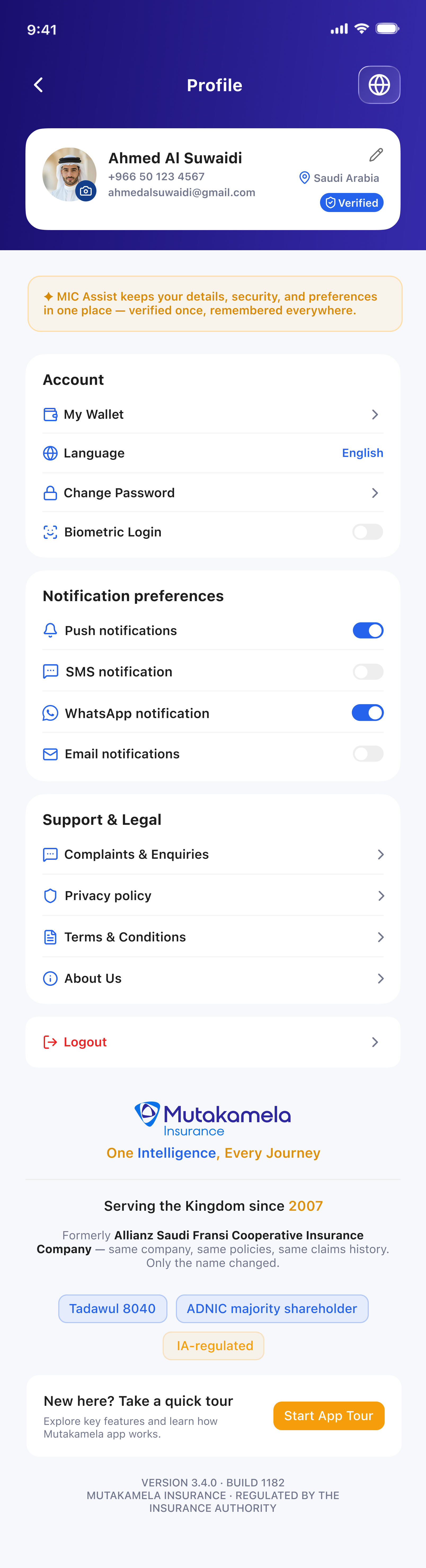
Your details, security, and preferences live in a single place — biometric login, notification channels, language, legal documents. Verified status travels with you across every journey, so trust is established once, not re-proven at every screen.
The everyday companion, in your pocket. Sign in with Nafath, get a quote, file a claim in one scan, and reach MIC Assist AI any hour — every journey a policyholder needs, built for the smallest screen they own.